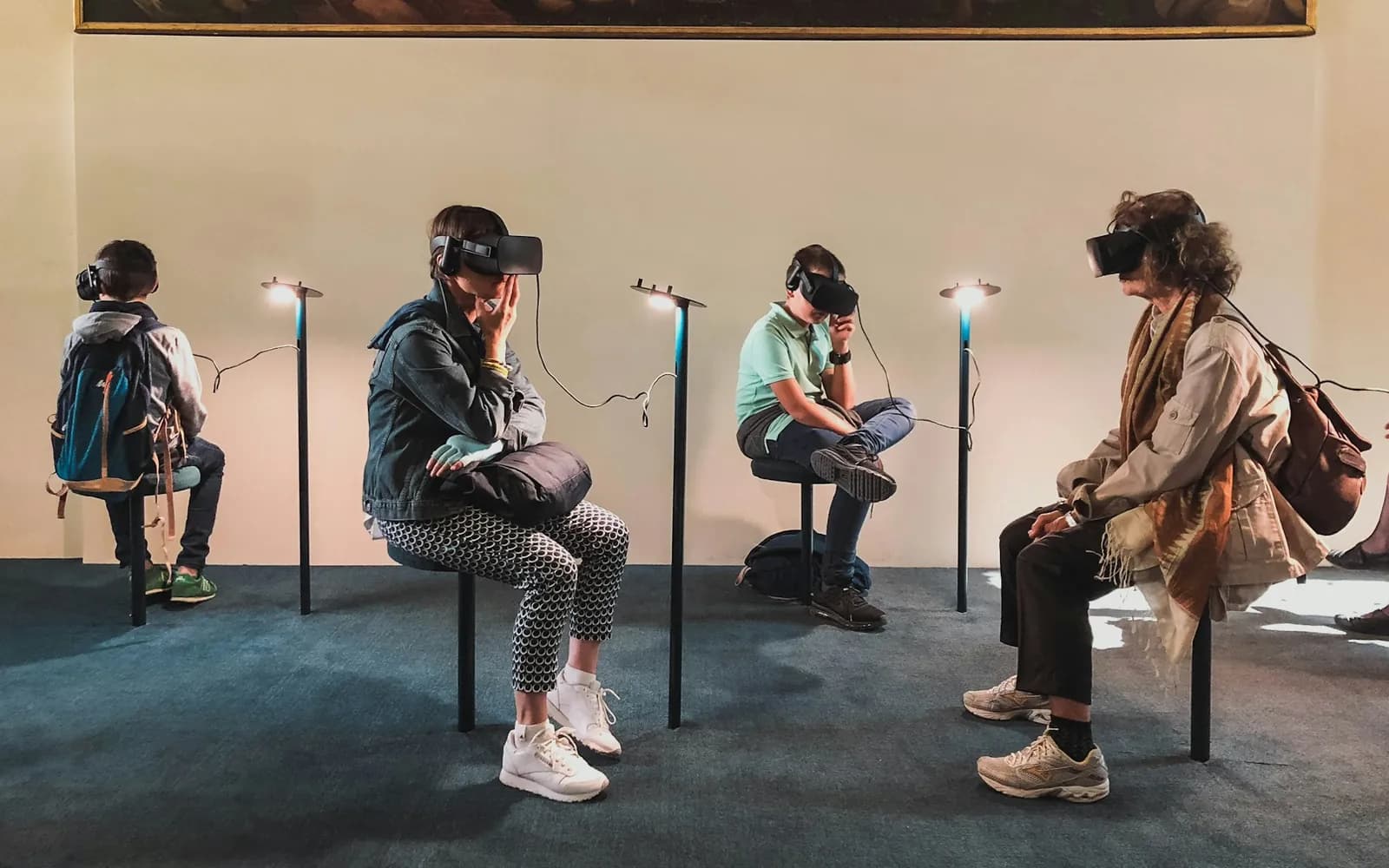
Design immersive experiences that people want to use. Learn how augmented, virtual and mixed reality developed and how XR systems track, render and display digital worlds.
Everything included
Start learning today — no card, no commitment.
Every lesson is presented by a GoalVow digital human.
Rehearse each module's skills in a realistic workplace — desktop 3D or WebXR.
Course outcomes
Explain the differences between AR, VR, MR and XR and how immersive technology developed
Describe how AR and VR systems track, render and display experiences, and what limits them
Apply spatial, interaction, comfort and accessibility design principles to immersive experiences
Build and user-test a no-code AR or VR prototype
Evaluate XR applications in learning, training, healthcare, entertainment, retail and the built environment
Identify privacy, safety, inclusion and adoption issues and design responsible XR
Produce an Immersive Experience Prototype with a design rationale, test results and responsible-use plan
Yes. Enrol free and work through Modules 0 to 1 with no card needed. You only pay if you want to finish the full course.
Enrol free, finish Modules 0–1, and unlock the rest only when you are ready. Earn a verifiable certificate and 1,440 VOWR on completion.
Branded PDF reading material for every module to keep and revise from.
Scenario questions with explained answers after every module.
Immersive Experience Prototype
Stated hours and outcomes you can log for professional development.
Pass the Course Test (80%) for a certificate anyone can verify.
Rewards for real milestones, usable towards your next course.
Your journey
Modules 0–1 open the moment you enrol.
Short presented lessons, reading books and worked examples.
VR Practice after each module summary turns theory into action.
Unlock the full course once, then prove it at 80%.
Share a verifiable certificate and earn your VOWR.
A once-off R299 unlock opens every remaining module, the VR practices, the capstone project, the Course Test and your verifiable certificate. Bundle and VOWR discounts are shown at checkout.
About 20 hours of learning — roughly 7 weeks at a few hours a week. It is self-paced, so you can go faster or slower.
No. VR Practice runs in desktop 3D in your browser with a mouse and keyboard. A compatible WebXR headset is optional for the immersive mode.
Your certificate has a unique ID that employers can check on our Verify a certificate page. Courses are CPD-aligned, with stated learning hours and outcomes you can log for professional development; they are not formal qualifications registered on the NQF.
Yes. GoalVow is built mobile-first, and your progress is saved to your account so you can switch between phone and computer.
